


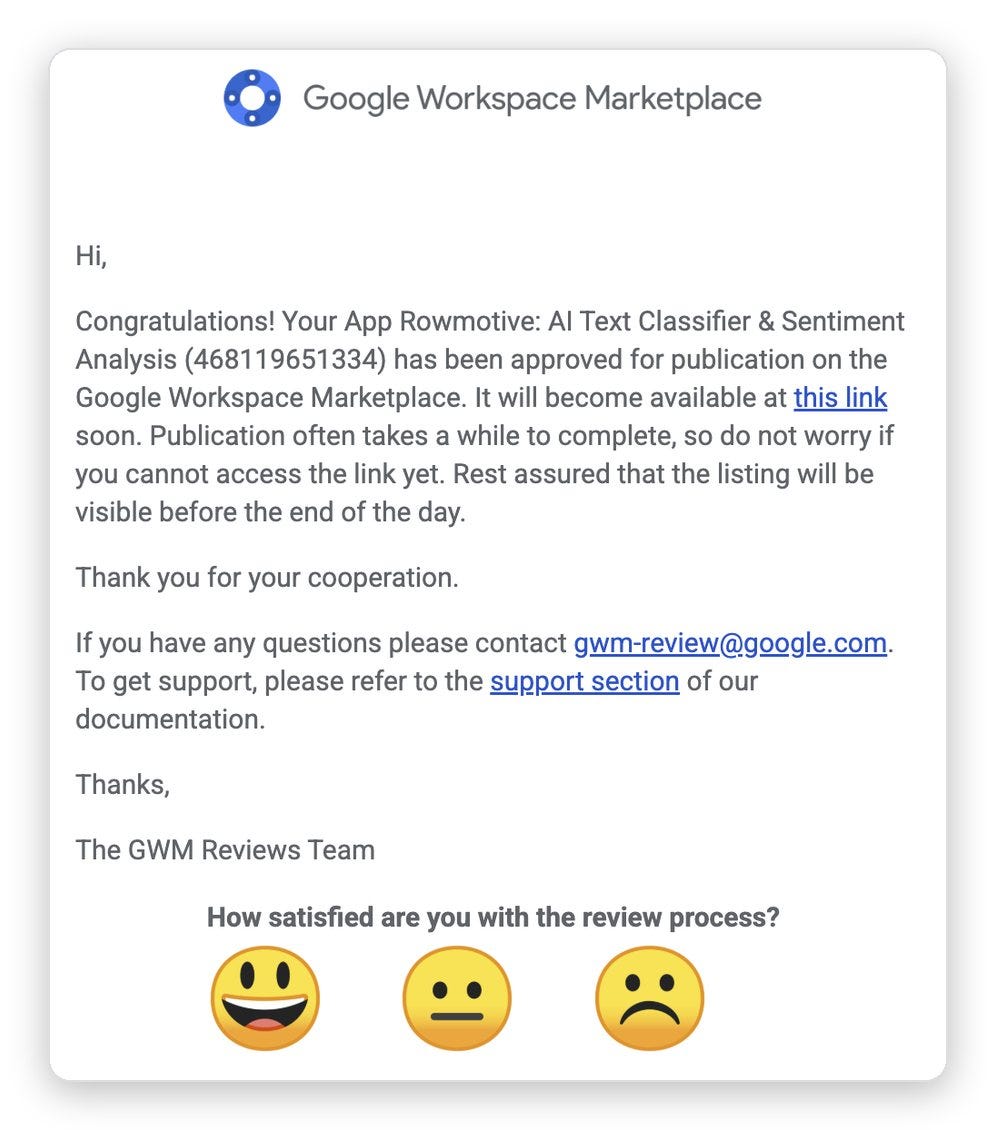
Last Friday I was eating breakfast when an email from Google arrived: “Your App Rowmotive: AI Text Classifier & Sentiment Analysis has been approved for publication on the Google Workspace Marketplace.” Under it, Google asked how satisfied I was with the review process, with three cartoon faces to pick from. I clicked the happy one. My first thought was that this had just cut my time to market by two weeks.
The week before, I had never built a Google Sheets add-on. I’ve shipped web apps and Chrome extensions for years. This kind of product always looked like days of setup in Google Cloud, followed by a review that could reject me and send me back to the start.
Why I never built one
I use Google Cloud for one small thing in my products, the “Sign in with Google” button, and even that is far too complicated. Publishing a product on the Google Workspace Marketplace takes much more of it, so it always seemed overwhelming. I didn’t know where to start.
This was the smaller problem. An add-on that shows a sidebar in your sheet needs a permission Google treats as sensitive. Google reviews that permission before anyone can install the add-on, and it quotes 4 to 6 weeks for the review. One wrong setting among all those screens could mean waiting weeks for a rejection and starting over.
I wasn’t the only one who found this part painful. When Andrej Karpathy built a small app with AI last year, the code came fast. Most of his effort went into clicking through dashboards for API keys, sign-in, Google’s approval, a domain and payments.
What the AI did
Rowmotive already existed as a website. It uses Jev to answer one question for every row of a spreadsheet, with one of your categories, a yes or no, or a score. It also flags the answers it is unsure about. I had built the AI engine on the website first, because it was easier to test there. The plan was always to bring it into Google Sheets, where people already keep these lists.
On a Thursday afternoon I decided it was time to build the add-on with Claude Code, which is my daily driver these days. That evening the first version was running in my own sheet, with the sidebar, the server code behind it and the necessary changes Google requires. Most of my input that week was about user experience and copywriting, because the technology already worked.
Then came the parts I had dreaded:
The Google Cloud setup. Claude wrote me a step-by-step guide to Google’s consoles, with the link to each screen, the label of every field and the reason for each step.
A Google bug from 2017. The sidebar showed an error the moment I opened it, because my browser had two Google accounts signed in. Developers have hit this since 2017, and they still ask Google how to handle it. Large add-ons tell users to sign out or open an incognito window. I found both fixes horrible, so Claude rebuilt the sidebar to work with both accounts. It worked that same afternoon.
The Marketplace listing. Claude chose the words in the listing name from a check of Marketplace searches and wrote the descriptions (the equivalent of “App Store Optimization”). It also drew every listing screenshot with a script that renders the real sidebar with sample data.
The review risk. Before I submitted, I had two other AI models, Fable and Astra, look for anything a reviewer could reject. Astra found a real bug: typing a change to a column erased its answers without asking. Luckily, I fixed it before it got to Google and to users.

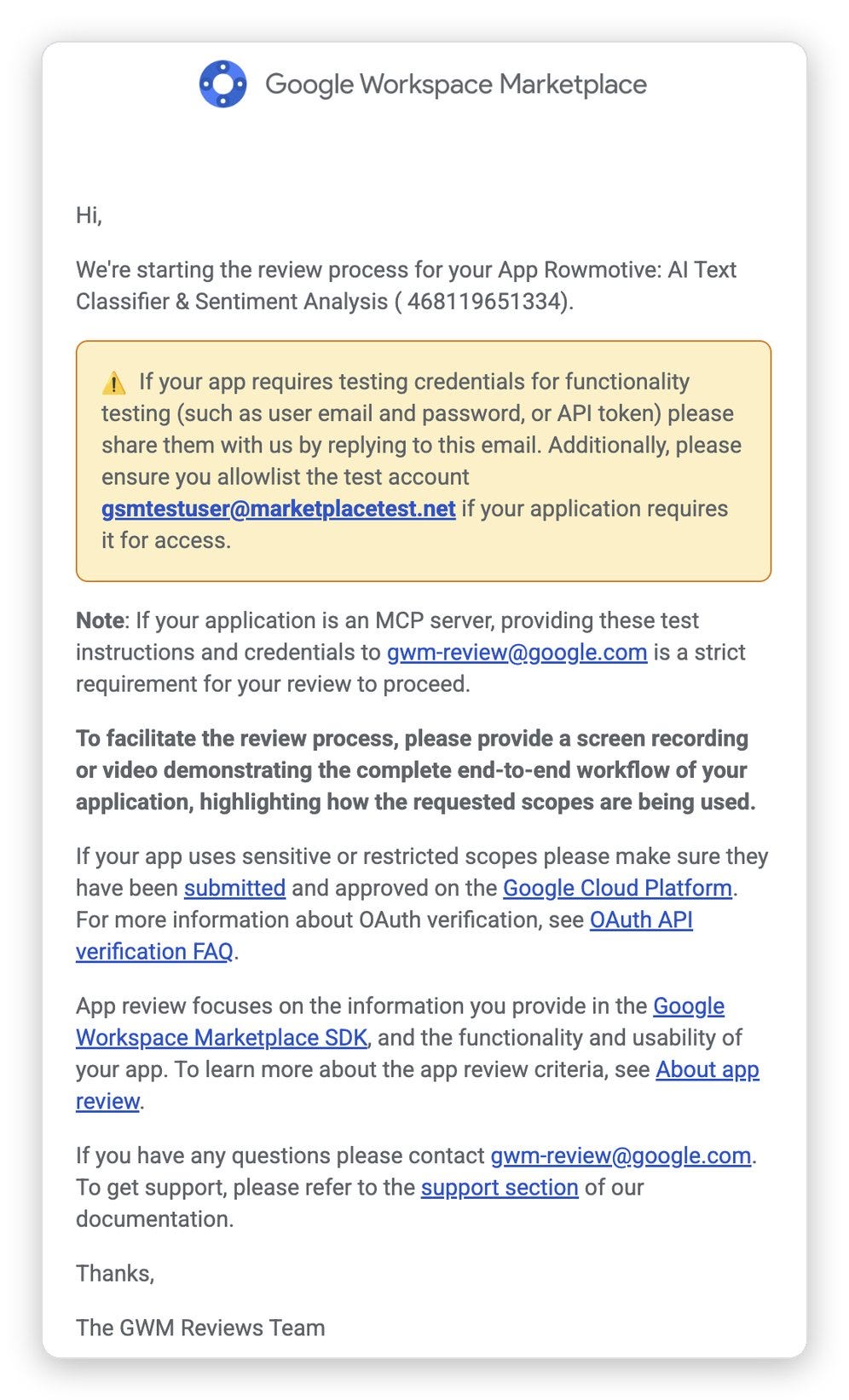
Google has two reviews for an add-on like this. The first, for the sensitive permission, took under two days, against the 4 to 6 weeks Google quotes. The second, for the Marketplace listing, had a scare. Half an hour after Google emailed that it had started, I found a bug in the very first step every reviewer would take: clicking Allow sent me right back to the same screen. My first thought was that canceling and resubmitting could send me to the end of the queue. I resubmitted anyway, and to my surprise, the approval came the next morning, at breakfast, less than a day later!
Getting from the decision to a live listing took about 7 hours of my own time.
At some point the AI was using me
The moment that stayed with me was the submission itself. Claude had written every field and made every image. Then it gave me instructions one line at a time: open this page, click that button, paste this text, upload this screenshot. I used no judgment at all. I was its hands, clicking where I was told.
Claude had written every field and made every image. I was its hands, clicking where I was told.
In 1983 the psychologist Lisanne Bainbridge wrote in “Ironies of Automation” that a designer who tries to remove the human from a system still leaves the human “to do the tasks which the designer cannot think how to automate.” She worried those leftover tasks would be the hardest ones. Mine were the easiest: the clicks in Google Cloud, which were left to me only because I hadn’t used Claude in Chrome or computer use. I already have a setup that automates the manual parts of launching a new web app, from the domain to the payments. If I launch more Workspace add-ons, I might automate that process too.
Try it on a sheet you already have
Installing the add-on for yourself or your whole organization is easy - just a couple of clicks, and it’s free for 1,000 answers a month for each user.
If you have a sheet of survey answers, reviews, support tickets or leads, Rowmotive can answer the same question for every row. To test it, you can make a copy of this sample sheet of customer feedback.
Once installed, open your Google Sheet, choose Extensions > Rowmotive > Open Rowmotive, allow access to the sheet, and describe the column you want, for example “Urgency from 1 to 5”. Rowmotive answers the first five rows so you can check them before it fills the rest.

The add-on opens only the sheets you allow, and it doesn’t store your spreadsheet on our servers or use your data to train models.
If you try it, tell me in the comments which column you asked for and where it got a row wrong.
The products I never had the courage to start
Simon Willison wrote in 2023 that AI makes him more ambitious with his projects, because it removes the time spent figuring things out. That is what happened to me this month. I used to ask whether I could learn a new platform. Now I only ask whether a product is worth building.
I used to ask whether I could learn a new platform. Now I only ask whether a product is worth building.
The day after I started the add-on, I built a Mac app I had wanted for years and never had the momentum to start. It organizes my Downloads folder: two AI models suggest where each file goes on my Mac, and nothing moves until I click Organize. I didn’t read or write a single line of Swift. I was the product manager, and not even a very technical one. It’s for my own use for now, but tell me in the comments if you’d want it.
More desktop apps are next, and maybe my first mobile app in more than a decade. Next week I’ll show you another kind of product I would never have tried before: a new kind of network I’ve been building.
Back to the happy face
When I clicked that smiling face in Google’s email, I was rating their review. I was also rating something bigger. A kind of product I had avoided for years took about 7 hours of my time to build and launch.
What kind of product have you avoided building because of the setup or the review? Tell me in the comments.